
Why your own style matters
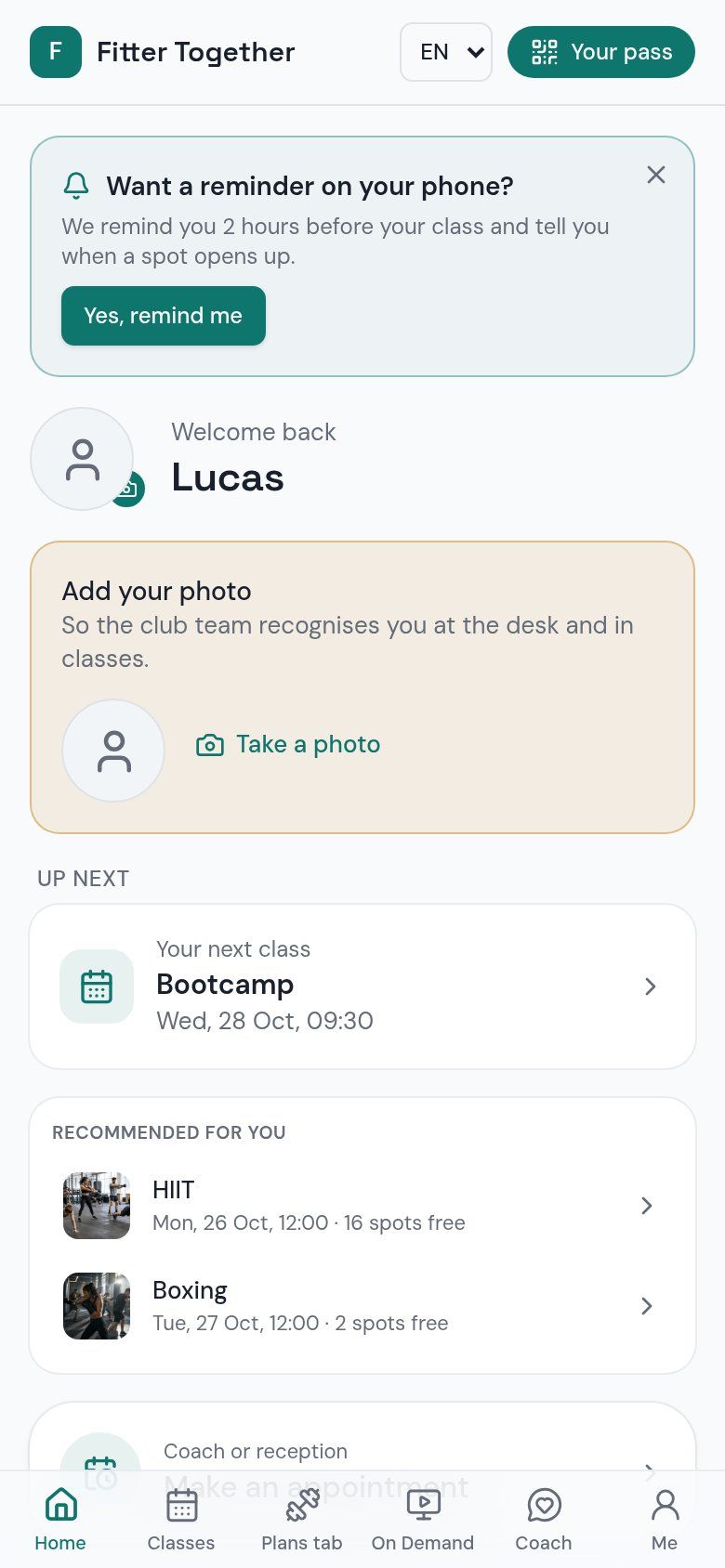
When members open an app with your colours and your name, your club stays in front of them. A stranger's app does the opposite: it makes your club one of many.
A member app is also a channel you own. You can reach members with push notifications, without depending on a social network.
In Dialanta, this is what Member app is for.
Step 1: decide what members should do in the app
Keep the app useful in daily life. Members should find what they need in a few taps. If the app has too many parts, members stop opening it.
Start with the things members do most often.
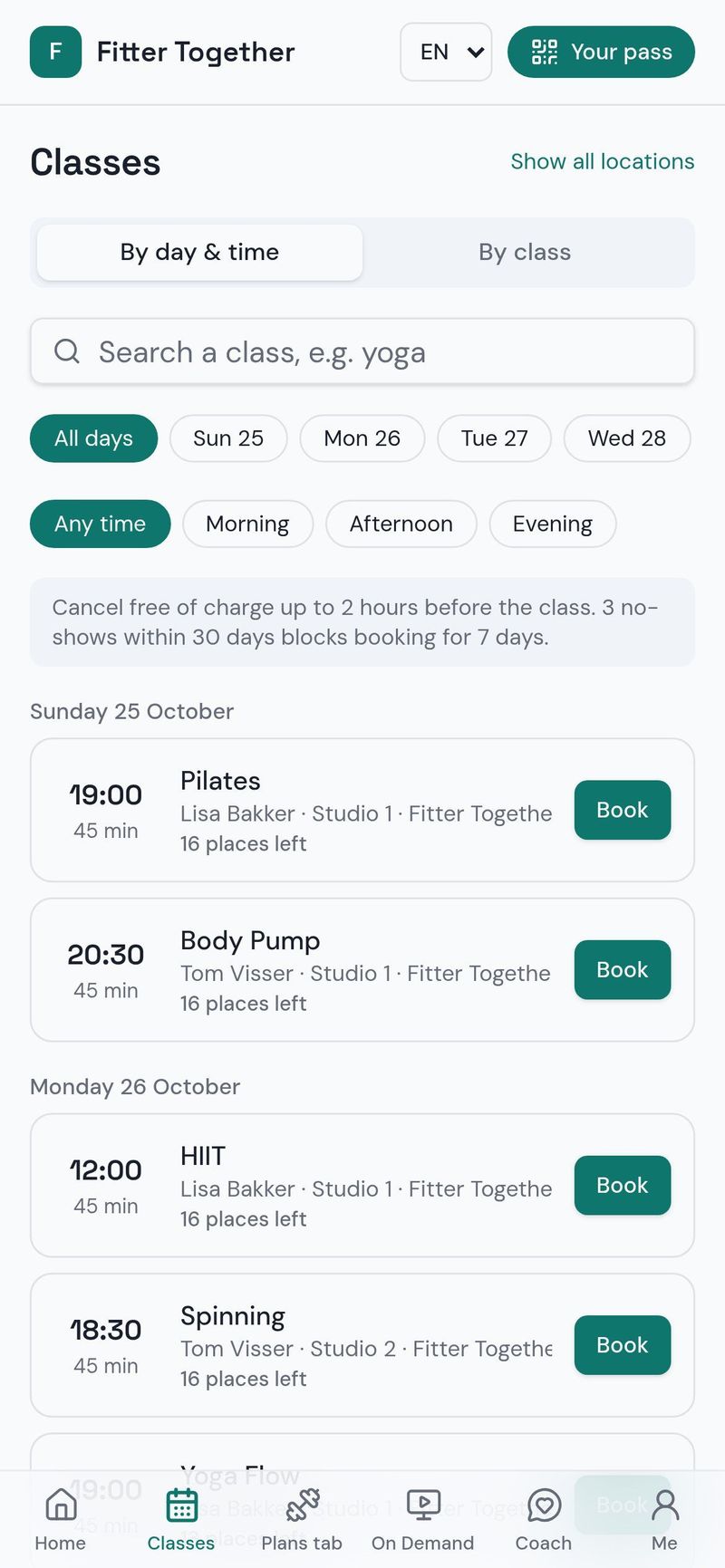
- Book classes and coaching.
- Follow training plans.
- Log nutrition with a photo.
- Talk to an AI coach.
- Get push notifications from your club.
Step 2: make booking easy
Booking is the main reason to open the app. If members can book a class or a coaching session in a few taps, they come back to the app each week. If they have to call, they will not.
Step 3: bring in your coaches
An app works best when your coaches use it too. Let them hand out training plans in the app and answer there, so members have a reason to open it. A member who gets a plan from a named coach feels seen.
Step 4: introduce the app at sign-up
The best moment to introduce the app is when a person becomes a member. Show it at the desk, send the link in your welcome message and explain what they can do on the first day. A member who uses the app in the first week is more likely to keep using it.
Step 5: use push notifications with care
Push notifications are strong, so use them for things that matter: a new class, a change in the schedule, a message from a coach. Too many notifications make people turn them off.
Step 6: add nutrition and home workouts
Nutrition with photo logging gives members a reason to open the app every day, also on days they do not visit the club. Coach-led home workouts do the same. With Dialanta On Demand, members unlock home workouts on phone and TV with Dialanta On Demand, which costs €4.99 per month and is paid to Dialanta.
What to measure
After you launch the app, look at a few simple things. How many new members install it in the first week? How many bookings are made in the app instead of by phone? Which push notifications are opened? These answers tell you where to improve.
Talk about the results with your coaches. They hear from members every day and know what works on the floor.
Common mistakes to avoid
The first mistake is launching the app without telling anyone. Members will not find it by themselves, so show it at the desk and in your messages. The second mistake is sending too many notifications. The third is leaving the app unchanged for months: new classes, new plans and new tips give members a reason to come back.
The last mistake is treating the app as a separate project. It works best as part of how your club runs every day, together with the schedule, your coaches and your messages.
Your first week: a quick start plan
On the first day, choose the three things you want members to do in the app: for example book a class, follow a plan and log a meal. On the second day, ask your coaches to try the app and to put at least one training plan in it. On the third day, tell your members: put a short message in your channels, show the app at the desk and add the link to your welcome message.
During the week, look at who installed the app and who booked in it. Thank the members who did, and help the members who did not. After the first week, decide which part needs more attention and improve it. Small, steady steps work better than a big launch that is forgotten.
How Dialanta helps
The Dialanta member app is part of Club and carries your club's style.